



AC-204ENC II
USB Headset with ENC and In-Line Controls
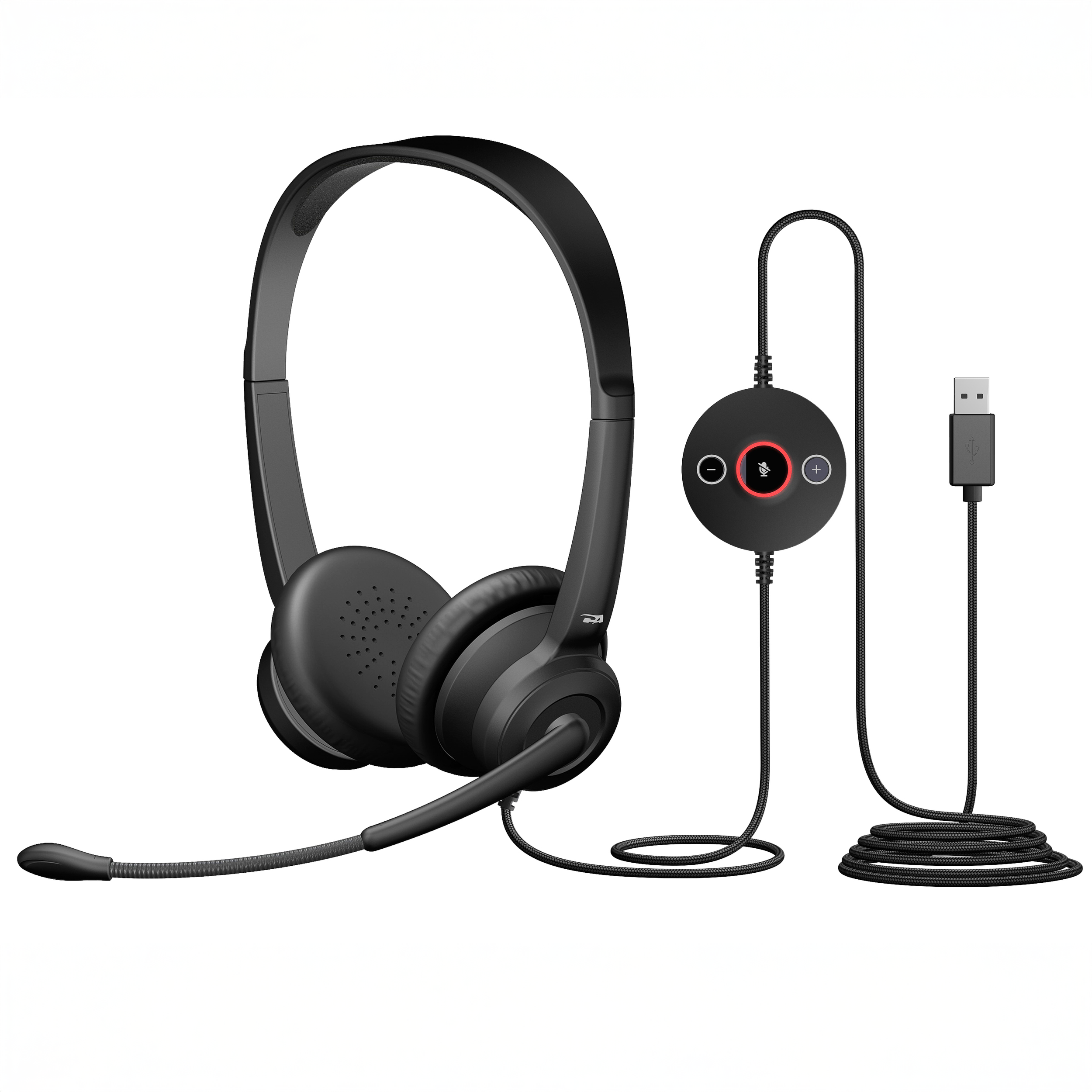
The AC-204ENC II is a stereo USB-A environmental noise-canceling headset built for call centers and hybrid work.
Leatherette Earpad Option - Model: AC-204ENC II
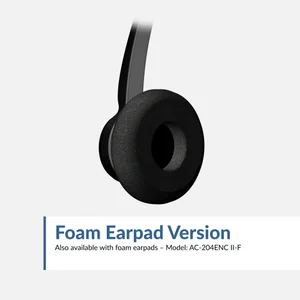
Foam Earpad Option - Model: AC-204ENC II-F
Superior Call Quality
Environmental Noise Cancelation (ENC) uses two microphones and an advanced algorithm to minimize noise for excellent and clear voice pickup, so you are clearly heard by colleagues and coworkers
Platform Compatibility
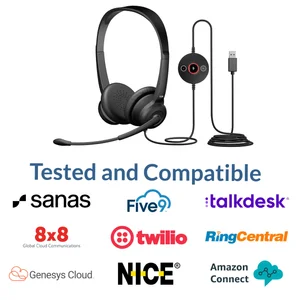
Works with all audio and video conferencing platforms, including Microsoft Teams, Google Meet, Genesys Cloud, Twilio, NICE CXone, Amazon Connect, 8x8, Five9, Talkdesk, RingCentral, and Avaya
All-Day Comfort
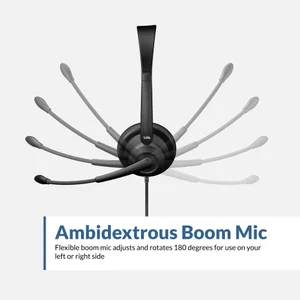
Adjustable headband and small earcups provide a universal, comfortable fit. Ambidextrous microphone boom designed to be worn with the microphone on the left or right side. Easy to clean leatherette earpads are double-stitched for durability
Tethered USB Audio Controller
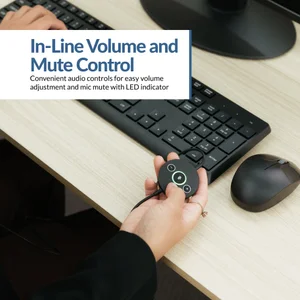
In-line controller includes convenient audio controls for easy volume adjustment and mic mute with LED indicator. Plug and play USB-A connection to your PC or Mac, no drivers required
Included in the Box
AC-204ENC II headset, reusable storage bag, and user guide. One year warranty with US based support
Specifications
USB-A
Over the head and adjustable
Omnidirectional Mic – Boom / Omnidirectional Mic – Outer earcup
100–16kHz
Ambidextrous
Leatherette (double-stitched, easy to clean); Foam option also available (AC-204ENC II-F)
4 oz (115g)
8 feet
Voice: 20Hz – 6800Hz / Music: 20Hz – 20kHz
In-line volume and mic mute
USB-A equipped computers and laptops
CE, FCC, ICES-003, WEEE, RoHS, CA65
Noise-Canceling Microphone
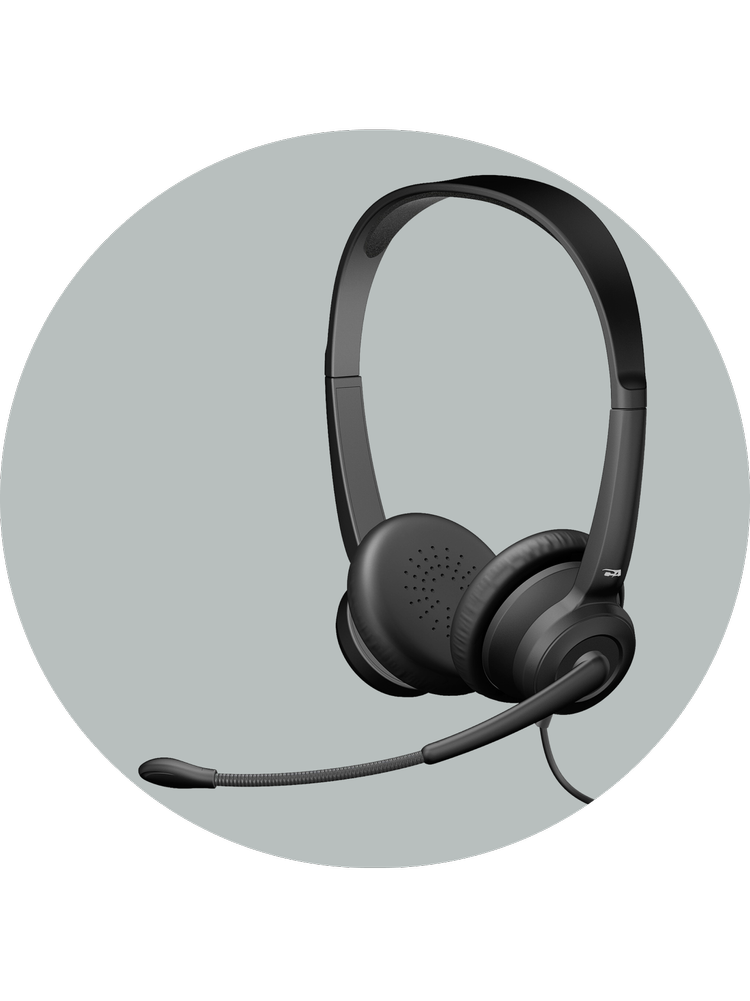
Environmental Noise Cancelation (ENC) uses two microphones and an advanced algorithm to minimize noise for clear customer calls
In-Line Controls
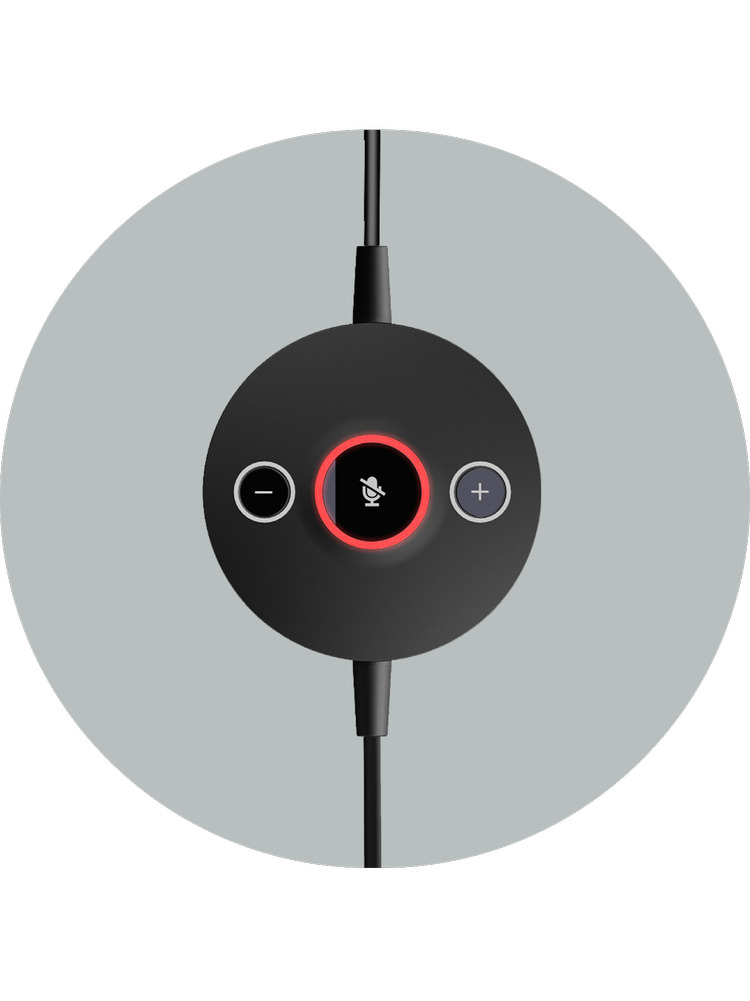
Quickly change volume and mute with the click of a button. No need to open sound settings
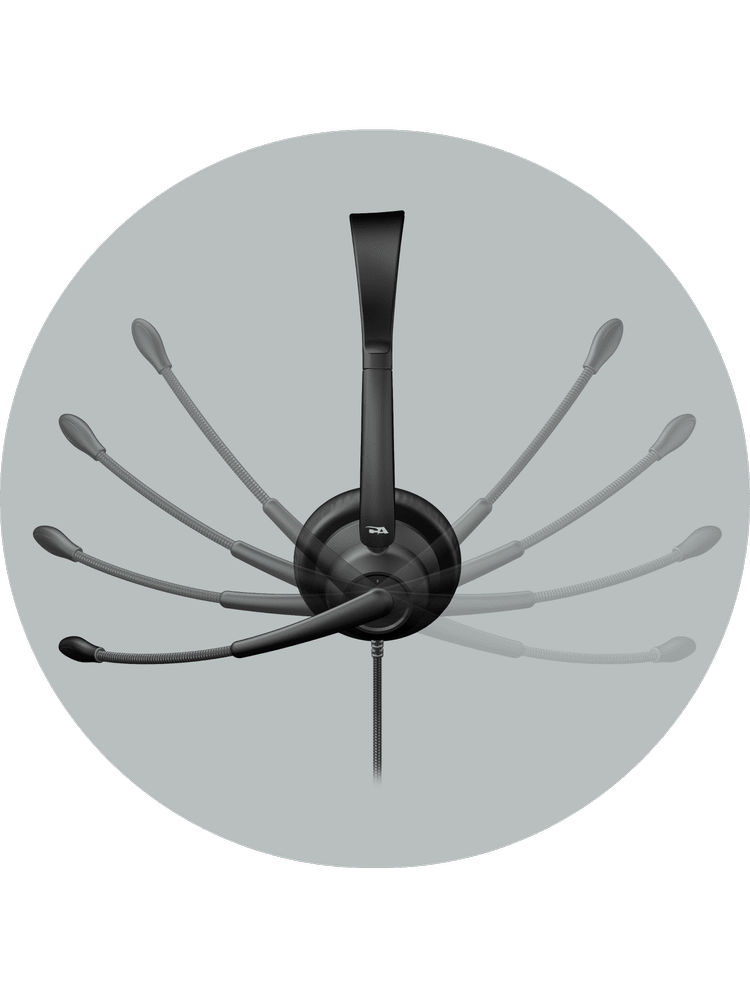
Versatility and Comfort
With an adjustable headband and easy-to-clean leatherette earpads, the AC-204ENC II features an adjustable boom microphone, allowing you to wear the microphone on either side of your head
| Platform | Agent Headset | Testing Requirements | Headset Requirements | General Requirements | |
|---|---|---|---|---|---|
 |
Genesys Cloud (CCaaS platform) | AC-204TR, AC-204ENC II, AC-304TR, AC-304 | Hardware Vendor Integration and Managed Test Program | Headset Recommendations | Standard USB Headset with optional custom integration for mute & call controls |
 |
Twilio (Programmable communications) | AC-204TR, AC-204ENC II, AC-304TR, AC-304 | Headset Vendor Self Test | Headset Information | Standard USB Headset |
 |
NICE CXone (CCaaS platform) | AC‑204TR, AC‑204ENC II, AC‑304TR, AC‑304 | Headset Vendor Self Test | Headset Information | Standard USB Headset |
 |
Amazon Connect (Cloud contact center) | AC‑204TR, AC‑204ENC II, AC‑304TR, AC‑304 | Headset Vendor Self Test | Headset Requirements | Standard USB Headset |
 |
8x8 (Unified communications) | AC‑204TR, AC‑204ENC II, AC‑304TR, AC‑304 | Headset Vendor Self Test | Headset Information | Standard USB Headset |
 |
Five9 (Cloud contact center) | AC‑204TR, AC‑204ENC II, AC‑304TR, AC‑304 | Headset Vendor Self Test with Formal Verification | Headset Recommendations | Standard USB Headset with optional custom integration for call controls |
 |
Talkdesk (Cloud contact center) | AC-204TR, AC-204ENC II, AC-304TR, AC-304 | Headset Vendor Self Test | Headset Information | Standard USB Headset |
 |
Avaya (Enterprise communications) | AC‑204TR, AC‑204ENC II, AC‑304TR, AC‑304 | Not Maintained | Headset Information | Program Not Maintained Standard USB Headset with legacy program for optional custom integration for call controls |
 |
RingCentral (Unified communications) | AC-204TR, AC-204ENC II, AC-304TR, AC-304 | Headset Vendor Self Test | Headset Reccomendations | Standard USB Headset with optional custom integration for call controls |
 |
Sanas (Voice personalization) | AC‑204TR, AC‑204ENC II, AC‑304TR, AC‑304 | Managed Test Program | Headset Information | Standard USB Headset |
Common Questions About USB-A Headsets with ENC
Why isn’t the noise cancelation working on my headset microphone?
If background noise is still being picked up, your computer may be using the wrong microphone, such as the one built into your laptop. Open your app’s audio settings (Teams, Zoom, Google Meet, etc.) and confirm the Cyber Acoustics AC-204ENC is selected as the microphone input. The ENC feature only works when the headset is set as the active input device. For more tips, see our guide on the best ways to reduce background noise.
Will this headset work with a Mac or Chromebook?
Yes. The AC-204ENC is compatible with Mac and Chromebook computers in addition to Windows PCs. It connects via USB-A and requires no additional drivers to install.
What is Environmental Noise Cancelation (ENC)?
Environmental Noise Cancelation (ENC) uses a dual-microphone design (one on the boom mic and one on the outer earcup) along with an advanced algorithm to detect and reduce background noise. This allows your voice to come through more clearly on calls, minimizing distractions for the person on the other end.
Why can’t I hear myself through the microphone?
The AC-204ENC does not play your microphone audio back into the headphones by default. This is called microphone monitoring or sidetone. If you need to hear yourself while speaking, it can typically be enabled through your operating system’s sound settings.
Can I use this headset with PlayStation, Xbox, or Nintendo consoles?
No. The AC-204ENC is designed for use with computers. It is not compatible with gaming consoles. Most consoles do not support the USB audio drivers this headset requires.